How to use free fonts to organise your kitchen

Posts contain sponsored and affiliate links.
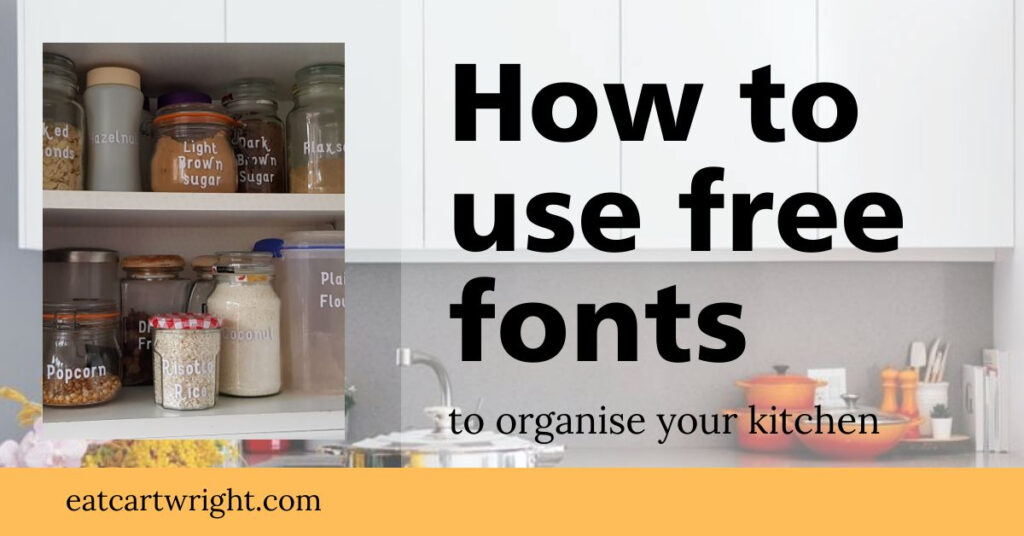
My kitchen cupboards are chaos filled with all the extra things you need to eat gluten free. So I set myself the weekend task of tidying. Here’s how to use free fonts to organise your kitchen.
*Please note for this project I am specifically talking about using a cricut machine. Other cutting machines are available like the scan n cut and the silhouette. The uploading process for the font files maybe different for those machines.
What are font files?
Font files are extras you can download to use on all sorts of applications. The beauty of these is you can access a much wider range of typography then you can find on your computer. Want something original like gothic text or cupcake style lettering. You’ll be able to find just the thing you need to make your kitchen unique.
Where can I find free fonts?
My first destination when I’m looking for free fonts is Font Bundles. They have lots to choose from like regular, script and seasonal styles. They also release new ones each week. Like these tattoo fonts from Font Bundles that I picked up to label my jars with.
Can I use them on my Cricut?
Yes you can is the simple answer! Simply create an account with font bundles. Download the free font and extract the file. Then you can install it onto your computer.
How do I download the file?
When you’ve found the font that you love. Simply click on the download button and it’ll start automatically installing on your computer. Extract and install the open font file, and you’ll be able to use it across applications on your computer.
Can cricut open font files?
Yes, after you’ve extract the folder and installed the open font file to your system. Restart circut design space. Then click on the text box and in the search bar start typing the name of the font you’ve installed. It will magically appear loaded into design space for you to use!
(A word of warning – don’t install ‘grunge’ style fonts, unless you want to spend a whole bunch of time cleaning them up to make into cut files.)
What can I use font files for?
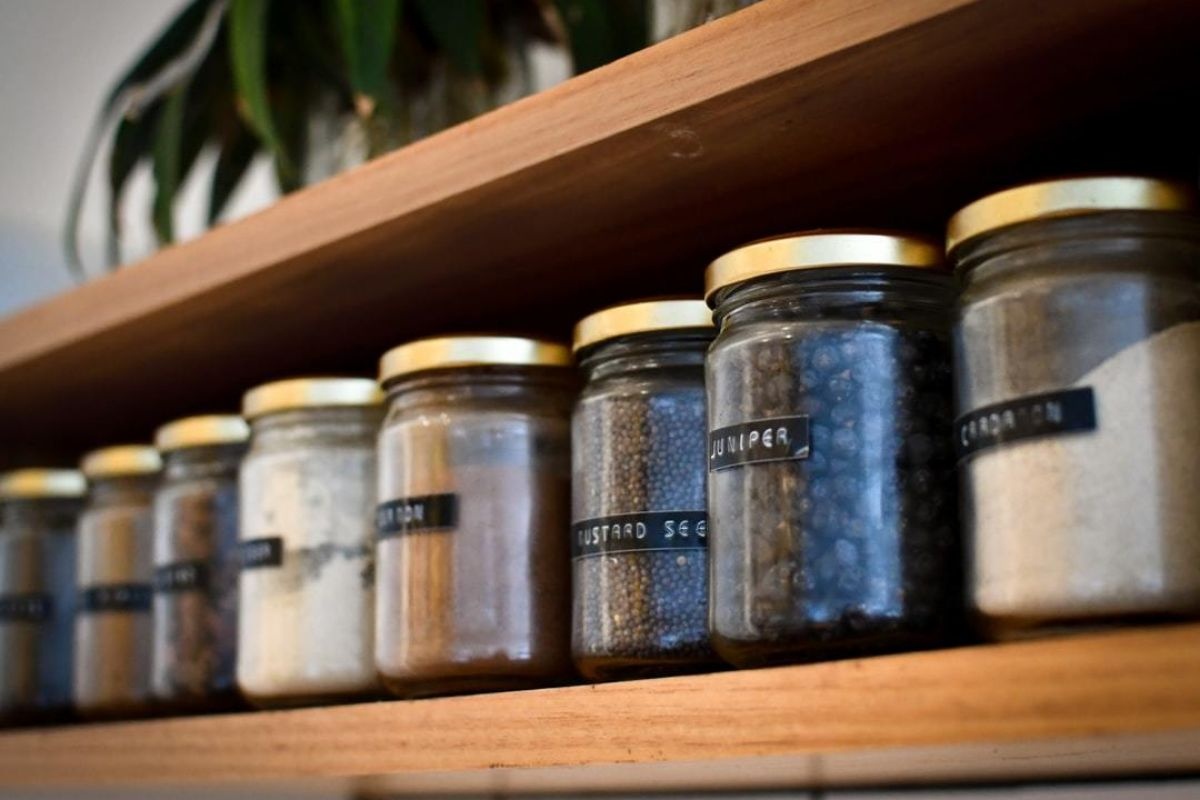
I’ve used them to make jar labels to help organise my kitchen, but you could also use them to customise things like:
- T-shirts
- Mugs
- signs
- Canvases
- Gift tags
- Cards
- Stickers
- Coasters
- Tumblers
- Ornaments
What supplies do I need to make kitchen labels?
The basics would be:
- A cricut machine. I use the cricut maker. Which is the professional crafters machine of choice.
- Basic toolkit. Which helps with weeding and smoothing vinyl projects.
- Transfer tape. Ensures your projects stay aligned when you move them onto your chosen surface.
- Mats. Come in different stickiness ratings, dependant on the material you need to cut. I have light, standard, strong and fabric grip mats at home.
- Vinyl. Comes in three different types, removable, permanent and heat transfer.
How I made my kitchen labels
Once my font had been uploaded into cricut design space. I simply went to my cupboards and checked out what jars needed labelling. I’ve been collecting coffee jars, and hot chocolate canisters to decant my dried goods into.
Where I can I’m trying to buy loose or with minimal packaging. So I can work on being a zero waste home.
Then I had a list of ingredients. I simply typed them all up on design space. Clicked make it and loaded the vinyl into my cricut maker machine.
I tried to group them to use the least amount of vinyl as possible.
Once cut, I weeded the excess vinyl away. Cut around each label set and then used transfer tape to keep the letters aligned as I transferred them to each jar.
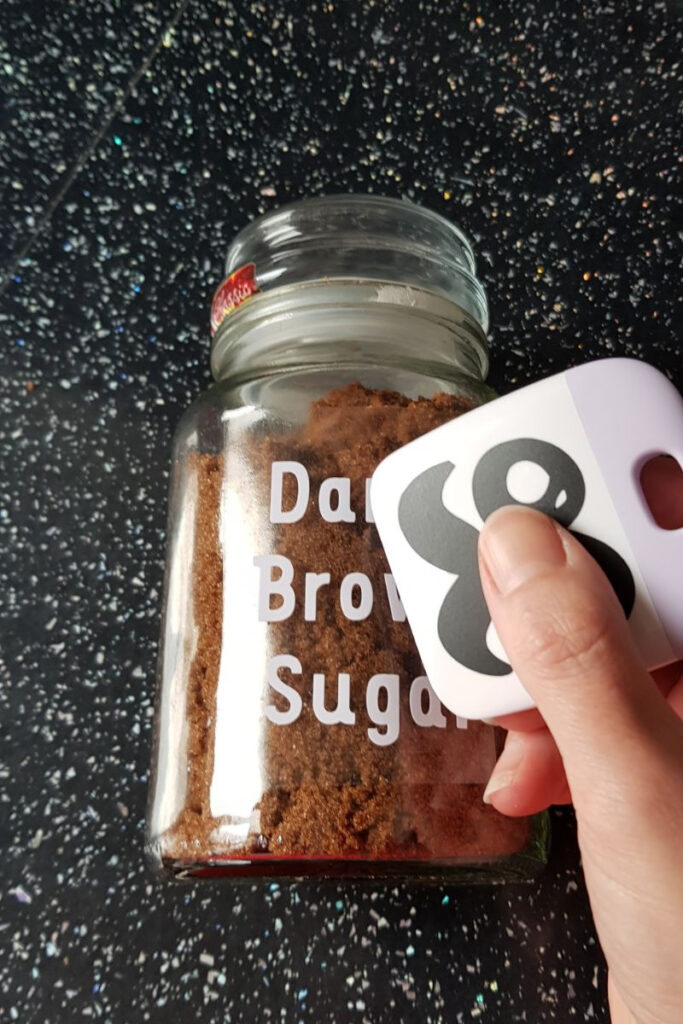
These labels will last a long time, as long as they don’t go in the dishwasher. Simple handwashing will keep them looking their best.
I went for monochrome when organising my kitchen cupboard, but you could pick any colour to like. Want to be super organised? You could have a colour coding system – like red for flours, blue for nuts etc.
Don’t forget to Pin it for later!